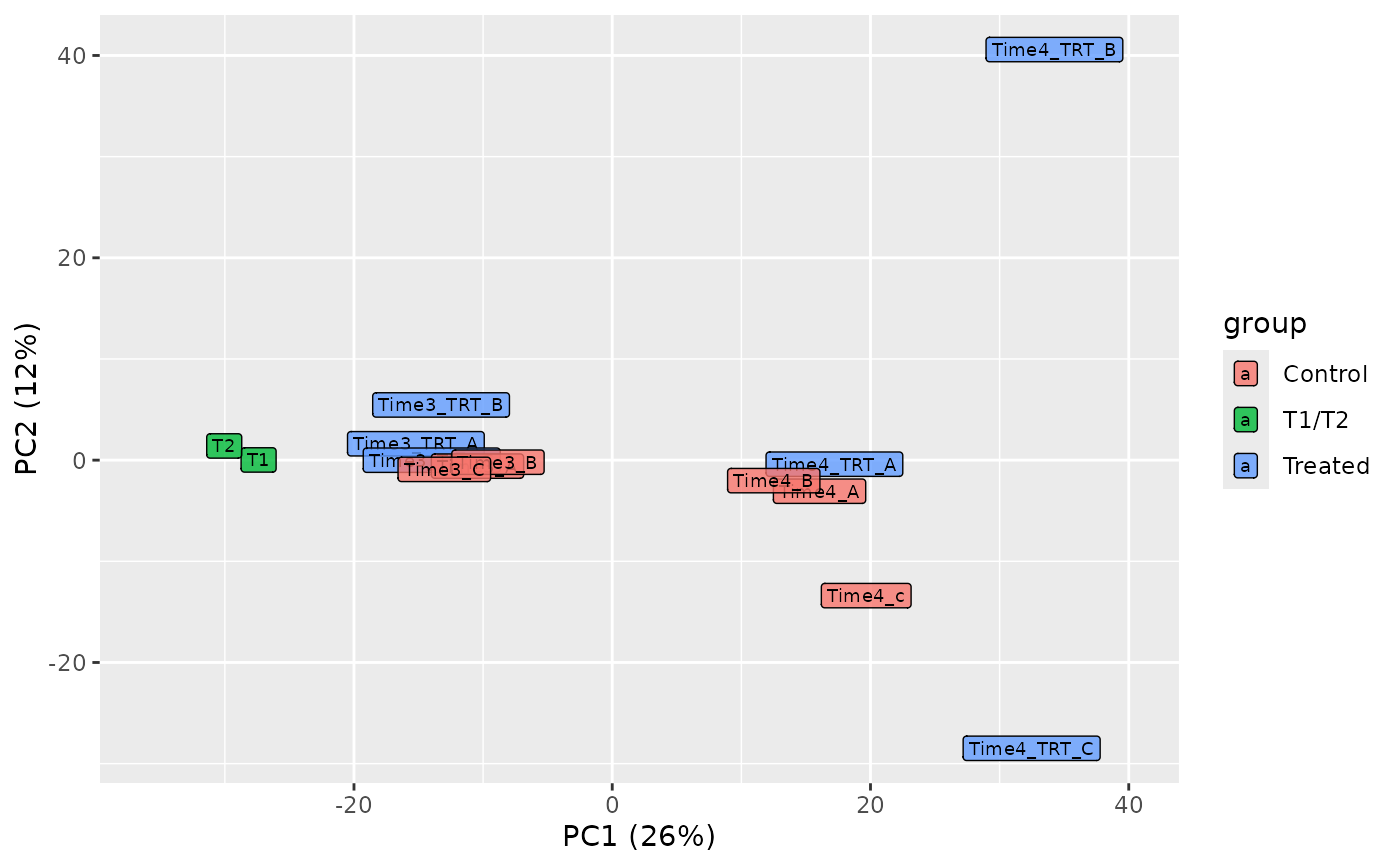
Plots the samples on two principal components of a principal
component analysis (PCA) of the log2 normalized counts, with the
normalization chosen in normalize_data (see
plot_explained_variance for the variance explained by
each component). Replicates should cluster together and the groups
should separate. Unlike plot_mds, which uses the most
variable barcodes between each pair of samples, it uses all the
barcodes.
Usage
plot_pca(
  screenR_Object,
  groups = NULL,
  components = c(1, 2),
  alpha = 0.8,
  size = 2.5,
  color = "black",
  palette = NULL
)
Arguments
- screenR_Object
The ScreenR object obtained using
create_screenr_object.- groups
What fills the labels: the name of a sample variable (for example "Treatment" or "Day", see
get_sample_table), or a vector with one value for each sample. By default the groups of the ScreenR object (Group).- components
The two principal components to plot. Default c(1, 2).
- alpha
The opacity of the labels, between 0 and 1. Default 0.8.
- size
The size of the labels. Default 2.5.
- color
The color of the label text. Default "black".
- palette
An optional vector of colors for the values of groups, which replaces the palette of the object. By default, when groups is the name of a sample variable (or NULL, for Group), the palette of the object for that variable is used when it is set (see
get_palettes), otherwise the default colors of ggplot2.
Examples
object <- get0("object", envir = asNamespace("ScreenR"))
plot_pca(object)
 # Second and third components
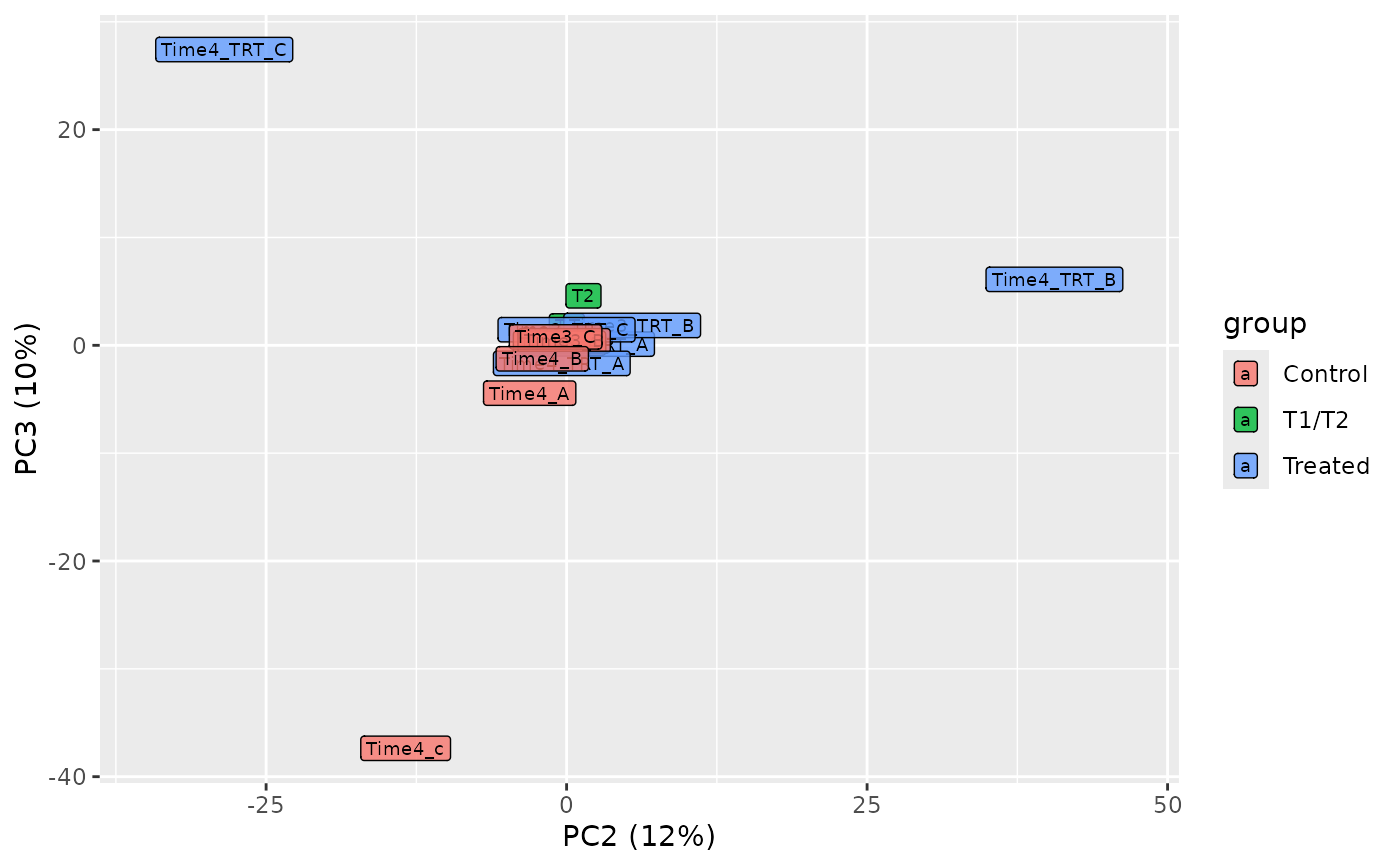
plot_pca(object, components = c(2, 3))
# Second and third components
plot_pca(object, components = c(2, 3))